 Roadmeter
Limit set to 55 · alert on
Your real speed,
a glance away
A GPS speedometer for iPhone with speed limit alerts, a windshield HUD, and a trip log that fills itself in. It runs entirely on your device.
Free · iPhone · iOS 17 or laterWhat Roadmeter is
Roadmeter is a free GPS speedometer app for iPhone. It shows your true speed in mph, km/h, knots or m/s, alerts you by sound, voice or haptic when you pass a speed limit you set, mirrors the speed onto your windshield as a HUD at night, and logs every trip with a map, a speed graph and GPX or CSV export. It has drive, bike and boat modes, works fully offline, needs no account, and shows no ads. Roadmeter Pro adds all eight dial styles, unlimited trip history, and G-force and 0–60 analytics.
Ten things, done properly
No feed, no social layer, no account screen. Roadmeter is an instrument.
GPS speed
Your speed read from GPS rather than the wheel sensors, updated continuously and smoothed so the number holds still at a glance.
Speed limit alerts
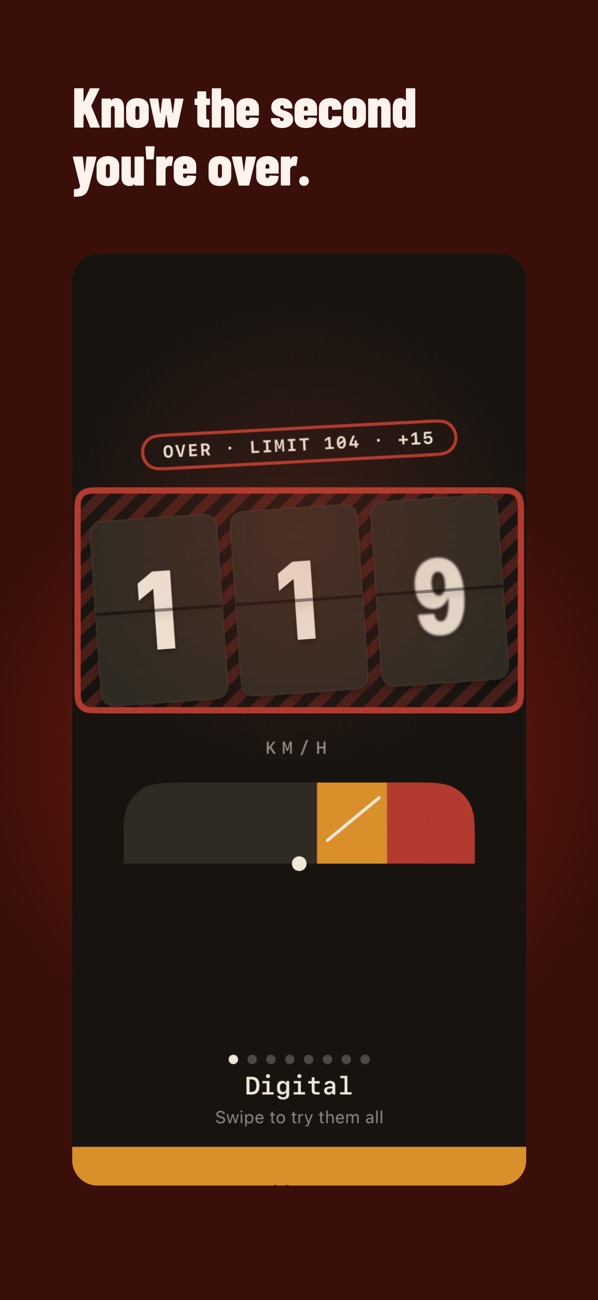
Set a limit yourself, then get told the moment you pass it — a color shift on the dial, a chime, a spoken alert, a haptic tap, or any combination.
Windshield HUD
Mirrors the readout so it reflects off the windshield after dark. Night mode dims it; daylight mode punches contrast through direct sun.
Eight dial styles
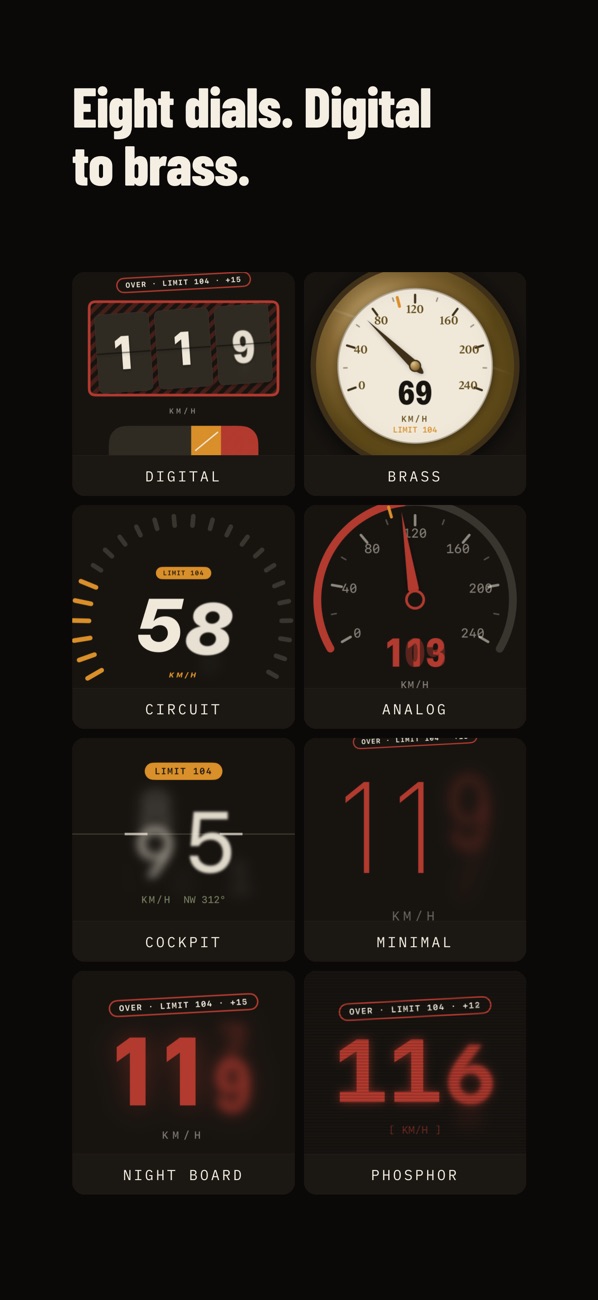
Digital, Analog, Minimal, Circuit, Night City, Brass, Cockpit, and Phosphor. Pick the face that suits the vehicle.
Automatic trip log
Distance, duration, top speed, and a map trace of the route, recorded while you drive and saved when you stop.
GPX and CSV export
Any trip leaves as a standard file you own. Keep a mileage record, or move it into whatever else you use.
Drive, bike, boat
Each mode re-tunes the instrument. Drive leads with speed, altitude and today's distance; Bike with distance covered; Boat with knots and heading, the way a chartplotter reads.
G-force and 0–60
Every recorded trip measures peak g through corners and under braking, and times your quickest 0–60 mph (or 0–100 km/h), from the phone's own motion sensors and GPS.
Widget and Live Activity
Start from the Home Screen widget; while a trip records, your speed, your limit and the trip timer stay on the Lock Screen and in the Dynamic Island.
Dashboard calibration
Factory dashboards usually read a few percent high, and more after a tire change. Set an offset once so your dash and Roadmeter finally agree.
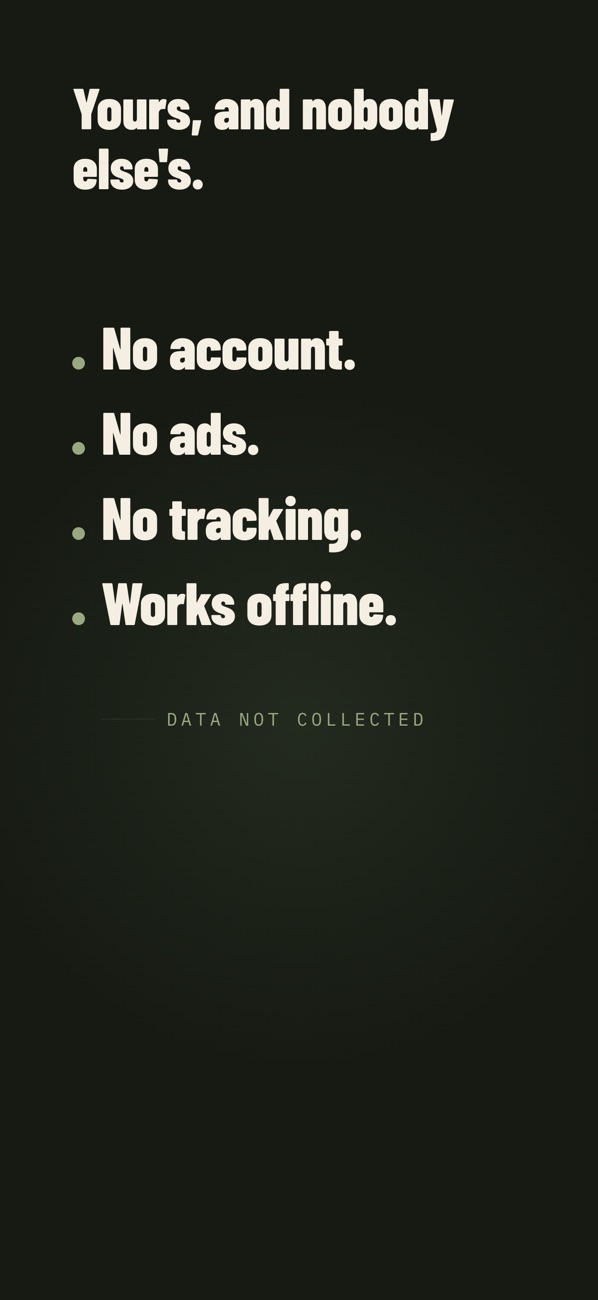
Your location stays on your phone
Roadmeter reads GPS to compute your speed and draw your route. That data is processed on the device and written to the device. It is never uploaded to us, because there is nowhere to upload it to.
No account
Nothing to sign up for. No email address, no profile, no password.
No ads, no trackers
No advertising SDK and no analytics SDK. Roadmeter never asks to track you across other apps, because it doesn't.
Works offline
GPS is satellite, not internet. The speedometer, the alerts, and the trip log all work with the network off.
Purchases, and only purchases
Buying Pro involves Apple and our subscription provider, RevenueCat. Neither receives your location. The full detail is here.
Free to use. Pro to keep.
The speedometer, the limit alerts, the HUD, the drive, bike and boat modes, the widget, and calibration are free and stay free. Pro unlocks the dial collection, unlimited trip history, and motion analytics.
Roadmeter
$0
No account, no ads- GPS speedometer with the Digital dial
- Speed limit alerts — sound, voice, haptic
- Windshield HUD, night and daylight modes
- Drive, bike and boat modes, knots included
- Widget and Live Activity
- Dashboard calibration
- One saved trip
Roadmeter Pro
$29.99 / year
3 days free, yearly plan only- Everything in Free
- All eight dial styles
- Unlimited saved trips
- G-force and 0–60 analytics
- Full accent color set and alternate app icons
- GPX and CSV export across your whole history
Pay how you like
$59.99 once
Lifetime · no subscription- Weekly — $3.99
- Monthly — $6.99
- A quarterly plan is also offered in the app
- The 3-day free trial applies to the yearly plan only
Prices shown are US App Store prices and are indicative. The price that applies to you is the one displayed in the app before you confirm, in your local currency. Subscriptions renew automatically until cancelled; cancel any time from Settings on your iPhone. Full terms are in the Terms of Use.
Straight answers
Is Roadmeter free?
Yes. The speedometer, speed limit alerts, HUD mode, the drive, bike and boat modes, the widget and one saved trip are free, with no ads. Roadmeter Pro is optional: $29.99 a year with a 3-day free trial, or $59.99 once for lifetime access (US prices).
Does it work without internet?
Yes. Speed comes from GPS satellites, not the network, so the speedometer, the alerts and trip recording all work offline and in airplane mode. The internet is needed only to make a purchase.
Does Roadmeter show ads or collect my data?
No ads, no account and no analytics or advertising SDKs. Your location and your trips are processed and stored on your iPhone and never uploaded. The App Store privacy label reads "Data Not Collected".
Does it know the speed limit of the road I'm on?
No. Roadmeter does not read signs or use a map of posted limits. You set the limit — one tap on a preset or type your own — and it alerts you with a color change, a chime, a spoken alert or a haptic tap when you pass it. The posted sign is always the authority.
Why does it read lower than my car's speedometer?
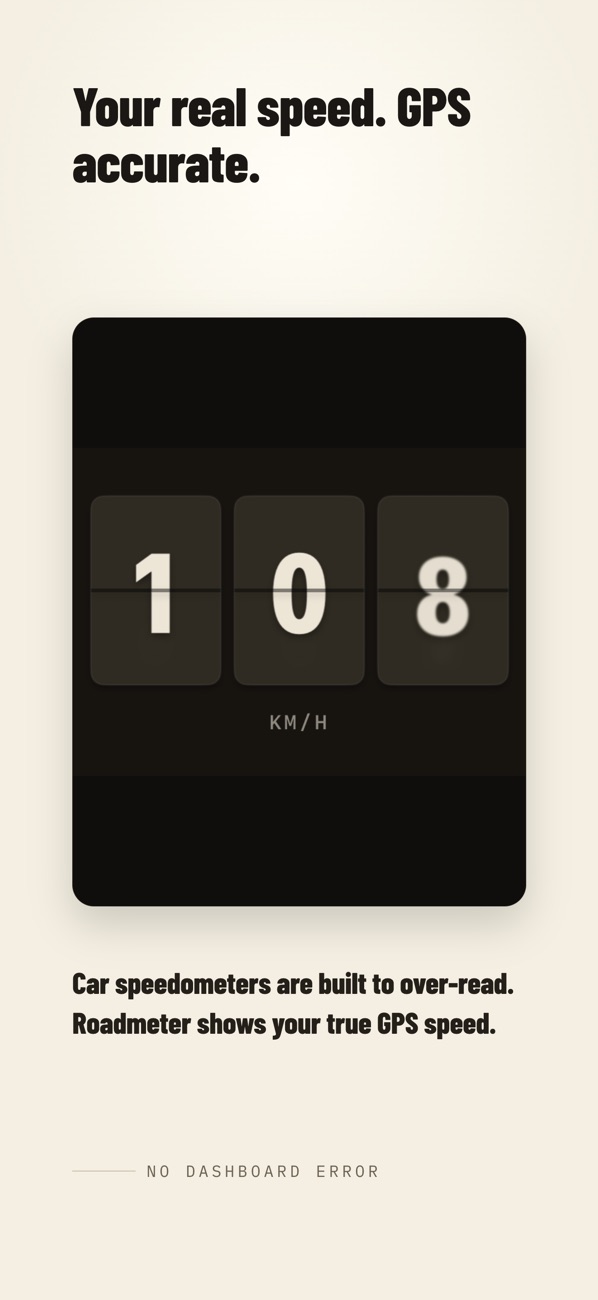
Car speedometers are built never to under-read, so most show a few percent high — more after a tire change. GPS speed is usually the truer number. If you want the two to match, set a calibration offset in Settings.
Can I use it on a bike, e-bike, motorcycle or boat?
Yes. Bike mode leads with distance; Boat mode shows knots and heading. Units are mph, km/h, knots or m/s, whatever the mode.
Does it keep running when my phone is locked?
Trip recording continues in the background with "Always" location access, and a Live Activity keeps your speed on the Lock Screen and in the Dynamic Island.
Does it work with CarPlay or Android?
Not today. Roadmeter is an iPhone app (iOS 17 or later). It is not available on Android and does not show on the CarPlay screen.
Which languages does it support?
English, Spanish, Portuguese (Brazil), Japanese, Korean, Turkish, Arabic and Indonesian.